Curiate Blog
How to quit TikTok and stop reinstalling it
Remove the easy route back, keep what you value and give the scrolling habit somewhere else to go
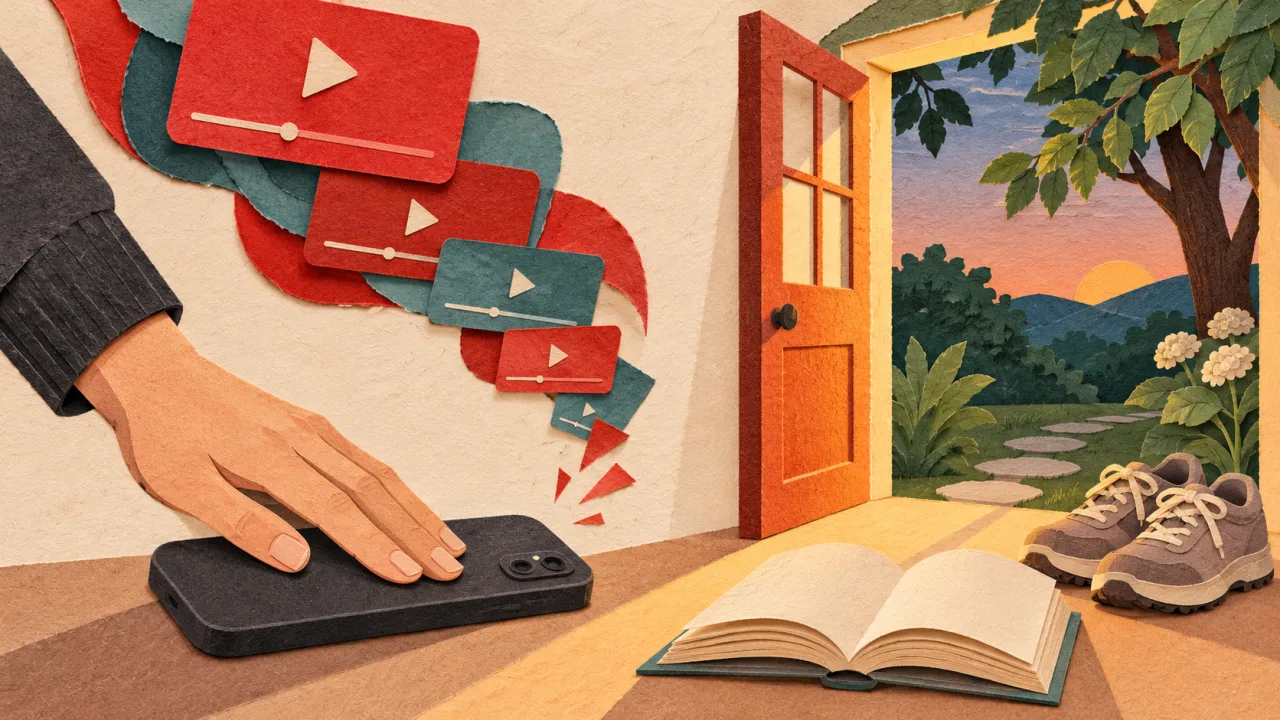
To quit TikTok, remove the app, close the routes you use to return and prepare something else for the moments when you normally scroll. You can stop using it without permanently deleting your account.
You may have already deleted TikTok once. Then someone sent you a link, you wanted to find a recipe, or a dull evening made reinstalling it seem harmless. Soon it was back in the same place on your phone.
A useful quitting plan accounts for that return. It also takes seriously what you liked about the app: entertainment, discovery, people who understood an interest, or an easy way to switch off. You can want those things and still want TikTok out of your day.
1. Decide what you're leaving behind
“Use TikTok less” leaves you making the same decision every time you open it. Set a boundary you can recognize in practice.
You might choose to stop using it altogether, remove it from your phone while keeping your account, or end casual browsing while retaining a specific work task. If you want to leave permanently, you can take the deletion route below immediately; a trial break isn't a prerequisite.
If you're unsure, choose a review date. A week can give you a manageable first comparison, but it isn't a scientifically established reset period. Write down what you want back: an earlier bedtime, uninterrupted meals, or the evening hour that keeps disappearing.
Check your recent screen-time record before changing anything. It gives you a starting point to compare with later, including whether the time moves to another app.
2. Keep the useful things without keeping the whole feed
Before leaving, identify what you would actually miss. Move a recipe into your recipe notes. Follow a favorite creator's newsletter, podcast or website if they have one. Exchange another contact method with people you want to keep in touch with.
Give this a clear endpoint. Saving every liked video can become another evening inside TikTok. A few things you genuinely use are enough to start.
If you want an account-data copy, TikTok provides instructions for requesting your data. Check what the export contains; don't assume it is a complete backup of videos or drafts. Save anything important separately before removing the app: TikTok warns that uninstalling and reinstalling can remove drafts.
Tell friends what would help: “I'm off TikTok. Send me the name of the book or the recipe instead of the video link.” That keeps the recommendation useful without making opening TikTok the price of staying in the conversation.
3. Uninstall TikTok and close the route you use to return
If you're quitting the app, remove it rather than moving its icon to a distant folder. If you're retaining it for work, turn off nonessential notifications and remove it from your home screen.
Then consider how you usually get back in. Do you open TikTok in a browser, follow links from messages or reinstall it before bed? Choose a barrier that addresses that particular route. An app restriction won't necessarily cover the website or another device.
For built-in controls, Apple's Screen Time offers app limits and schedules. On supported Android phones, Digital Wellbeing provides app timers and, for Chrome, website timers. These controls add a boundary; they aren't impossible to undo. Google explicitly notes that a user can delete an app timer.
If you routinely override a reminder, repeating the reminder may add little. Consider a blocker with a restriction that suits your device and check that it covers your actual route back.
There is evidence that a pause can change app-opening behavior. A 2023 study of one sec observed that users dismissed 36% of attempts to open their chosen apps after a brief delay and an option to cancel. The six-week field analysis had no randomized comparison group and included people who kept using the tool throughout; the app's creator was a coauthor. It gives a reason to try adding a pause and an easy way to cancel, without promising that a blocker will make you quit.
4. Replace what TikTok was doing for you
An audiobook won't necessarily satisfy the wish to talk to someone, and a lesson may be the wrong replacement when you're exhausted. Choose according to the moment.
| What you wanted from TikTok | Something to have ready |
|---|---|
| A quick laugh or a break | A comedy podcast, a few saved clips with a clear end, or a short walk |
| Interesting discoveries | A library book, a reading newsletter or a short learning session |
| Contact with people | A message to a friend, a call or a group conversation you value |
| Something to do while waiting | A downloaded article, a puzzle or simply leaving the phone in your pocket |
| A way to put off a task | One small first action: open the document, wash one dish or write the first sentence |
For discovery and learning, Curiate, our app, is one option. Its microlessons introduce ideas from articles, videos and books, with links to the originals. The public library is free to browse. Offline choices can work just as well when what you want is time away from a screen.
Prepare one or two replacements. You don't need to organize every spare minute or make all entertainment educational. For a broader comparison, see our apps to replace doomscrolling.
5. Make a plan for your hardest moment
Think about the last time you opened TikTok longer than you intended. Where were you? What had just happened? What made stopping inconvenient?
Change something about that situation before it happens again. If it was bedtime, charge the phone somewhere you can't reach from bed and put a book nearby. If it was a work break, choose where you'll take the break and what you'll do. If it was a shared link, ask for the useful information in another format.
Keep the plan concrete: “When I finish dinner, I'll leave my phone charging and take the dog out” gives you a next action. “I'll have more self-control” doesn't.
If you need TikTok for work, define the task and the endpoint. A desktop session to upload a prepared video is a different arrangement from carrying an always-available feed in your pocket. If that arrangement still pulls you into browsing, revise it around what actually happens.
6. Check whether you got back what you wanted
At your review date, look at more than TikTok's usage total. Did Reels or Shorts absorb the same time? Are you putting your phone down when you intended? Did you get the uninterrupted meal or evening you wanted?
If you reinstalled TikTok, look at the event that brought you back. A particular link, an awkward wait or a lonely evening calls for a more specific adjustment than deciding the whole attempt failed. Close that route and continue if leaving is still what you want.
You may also decide that a tightly defined use is sustainable, or that account deletion would remove a recurring reason to return. Let the decision reflect your experience rather than a streak you feel obliged to protect.
Deleting the app, deactivating and deleting your account
These are different choices:
| Choice | What it changes |
|---|---|
| Uninstall the app | Removes it from that device. It doesn't delete your TikTok account. |
| Deactivate your account | Temporarily puts the account on hold. TikTok says your profile and content are hidden, but previously sent messages and some associated Duets or Stitches may remain visible. |
| Request account deletion | Begins the account-deletion process. Read the confirmation carefully for consequences and any recovery period. |
TikTok's account controls are under Profile → Menu ☰ → Settings and privacy → Account → Deactivate or delete account. Choose the option you intend and follow its confirmation steps. See TikTok's official instructions for deactivation and deletion.
Check the current confirmation before relying on any cancellation window. Deactivation is reversible; permanent deletion should be treated as a separate decision from stopping daily use. Account options and wording can change.
What does research actually say about quitting?
Some experiments find benefits from taking a break. A 2022 randomized trial with 154 adults found improvements in well-being, depression and anxiety scores after participants were asked to stop using several platforms, including TikTok, for a week. It did not isolate the effect of quitting TikTok alone.
The wider evidence is mixed. A 2025 review of ten studies involving 4,674 participants found no statistically significant pooled effects of temporary social-media abstinence on positive affect, negative affect or life satisfaction. Studies differ in who participates, what they stop using and what outcomes they measure.
There are promising findings about broader disconnection too: a 2025 randomized trial found improvements in sustained attention and other outcomes when mobile internet was blocked for two weeks. That intervention was much broader than deleting TikTok, and compliance was difficult.
You don't need a guarantee of transformation to decide that an app takes more time than you want to give it. A useful first aim is something you can observe: keeping TikTok out of bed, leaving a break when you planned to, or spending that time on something you chose.
Frequently asked questions
Can I quit TikTok without deleting my account?
Yes. You can uninstall the app and stop visiting the website while retaining your account. Deactivation is another option if you want the account temporarily hidden. Account deletion is a separate choice.
Should I quit TikTok gradually or all at once?
Choose an approach you can define and follow. If you keep bypassing daily limits, removing access may be more useful than another reminder. If you need a specific work function, set a task-based boundary. The studies discussed here don't establish one universally best quitting method.
How long does it take to stop wanting TikTok?
There isn't a reliable deadline that applies to everyone. The situations that prompt you to open it may continue after uninstalling it. Plan for those situations, and judge progress by the changes you wanted rather than expecting the urge to disappear on a particular day.
What should I do if I keep reinstalling TikTok?
Identify what happens just before you reinstall it. Move useful contacts or information elsewhere, address browser and shared-link access, and prepare a replacement that fits the moment. If the same workaround keeps undoing your plan, strengthen that particular boundary.